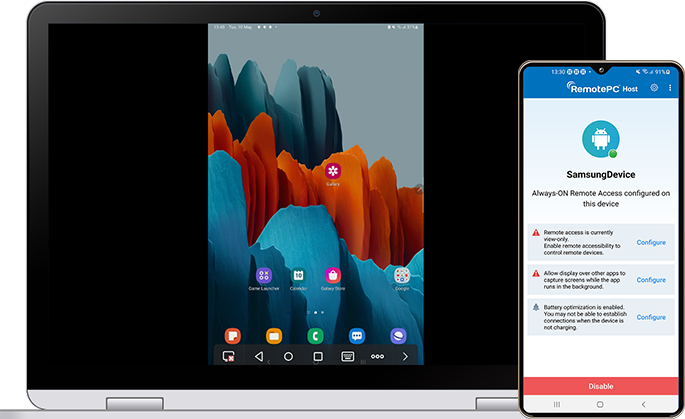
Real-time screen sharing
Share the screen of your Android mobile device or Chromebook with any other mobile device, desktop computer or web browser.
Copy and paste text
Effortlessly copy text from a remote Android mobile device or Chromebook and paste it on your local mobile device or computer.
Security
RemotePC uses TLS v 1.2/AES-256 encryption for transferring data between the devices; the Personal Key acts as an additional layer of security.
Getting started
Configure your device
Set up your device for remote access.
Establish a remote connection
Connect to your device from anywhere in the world.
* Note:
- Remote control is supported if the device runs Android 8 or later. The on-screen keyboard is supported only on Samsung devices. Chromebooks can be accessed in view-only mode.
- Copying and pasting text is not supported on Android 10 or later.