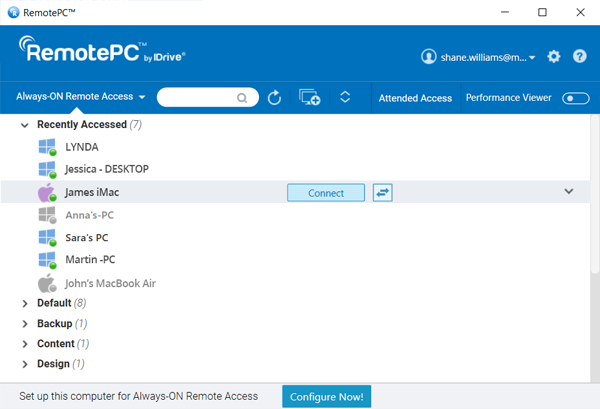
Remote access solutions such as RemotePC make it possible to access your office or home computer from anywhere with internet connectivity. Once you have established a remote connection, you can view and use the remote desktop as though you were there in person.
With remote access configured on your computers, you can log in to your desktop to access files and use applications from anywhere. Play media files, print documents, and transfer files to and from the computer, phone, or tablet you are remotely accessing from. This is helpful for remote workers, individuals who work from home, or in situations such as a pandemic where many are unable to travel to work.
What do you do when you are physically far away from the office but need urgent access to corporate applications or files? VPN access to your office resources helps with remote work, but VPN access over a public Wi-Fi network presents its own set of challenges.
RemotePC provides a quick, secure, and straightforward alternative to VPN. Your remote desktop is just a few clicks away; work productively from anywhere, on any device, over any network. TLS v 1.2 and AES 256-bit encryption ensure secure communication.

RemotePC's cross-platform compatible solution ensures your desktop files are always within easy reach. With your remote desktop accessible from anywhere, you can deal with workplace emergencies effectively.
If you do not have your laptop nearby, the RemotePC apps for iOS and Android allow you to reach your work computer from your mobile device or tablet. Work seamlessly with multiple monitors, collaborate in brainstorming sessions using the whiteboard, and access and print documents from your remote desktop on your home printer. Unexpected issues will crop up, but RemotePC lets you tackle them with ease.
RemotePC provides secure remote access with a user-friendly interface and useful features at competitive prices.
Setting up remote desktop access with RemotePC is easy: