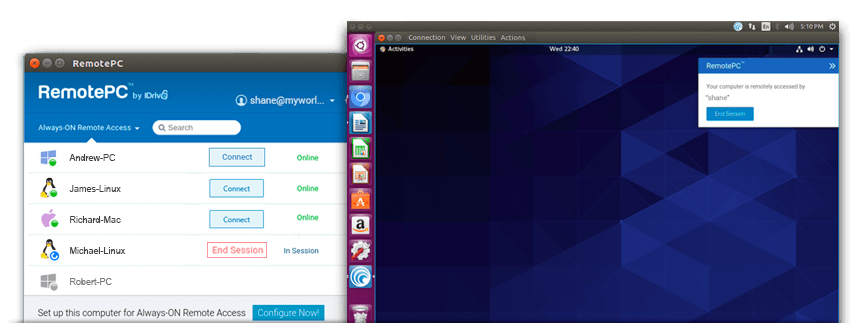
With RemotePC for Linux, you can access your remote Linux computers from any computer, and vice versa. Simply configure your computer with RemotePC and enjoy 24/7 remote access.
Access your remote computer from any PC or Mac, Linux machine, iOS or Android device, or via the web.
Use features such as Lock Screen and Blank Host Screen, adjust the remote computer's display, and block remote input during a session.
Remote access is protected with TLS v 1.2 / AES-256 encryption. Use remote access and web activity logs to track your activity. Your Personal Key acts as a secondary password for each machine.
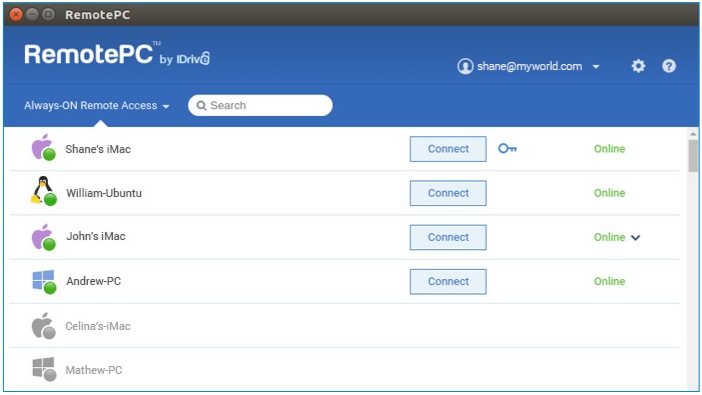
Once the application has downloaded to your Linux machine, log in to your account and connect remotely to any computer configured in your account.
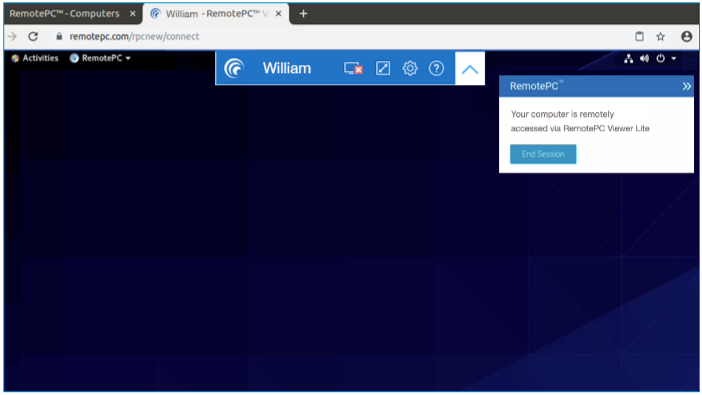
Connect to remote computers directly from your web browser using Viewer Lite, with no additional software to install.
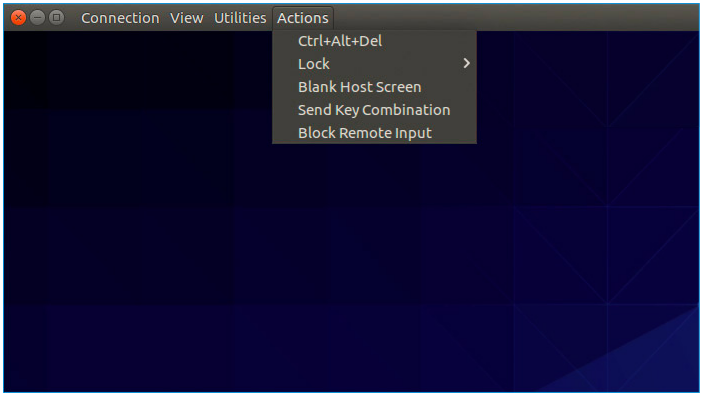
Open log files remotely, send key combinations and error reports, and switch the remote computer to or from full-screen mode.
Supported Linux operating system versions
Debian-based distributions:
RPM-based distributions:
Raspberry Pi 3 and 4 (32-bit)
Raspberry Pi (64-bit)
Package extensions
Stay connected to all your computers, wherever you are.

 View installation steps