Looks like you are using an outdated browser. Upgrade your browser for better compatibility.

Provide customers on-demand support

Allow your technicians to connect to the customers’ computer from wherever they are, whenever customers require any assistance. Technicians can share the installation link with the customer and enter the shared code on their RemotePC application or web to access the customer computer and provide quick resolution.

Remote support solution for teams and businesses

  • RemotePC

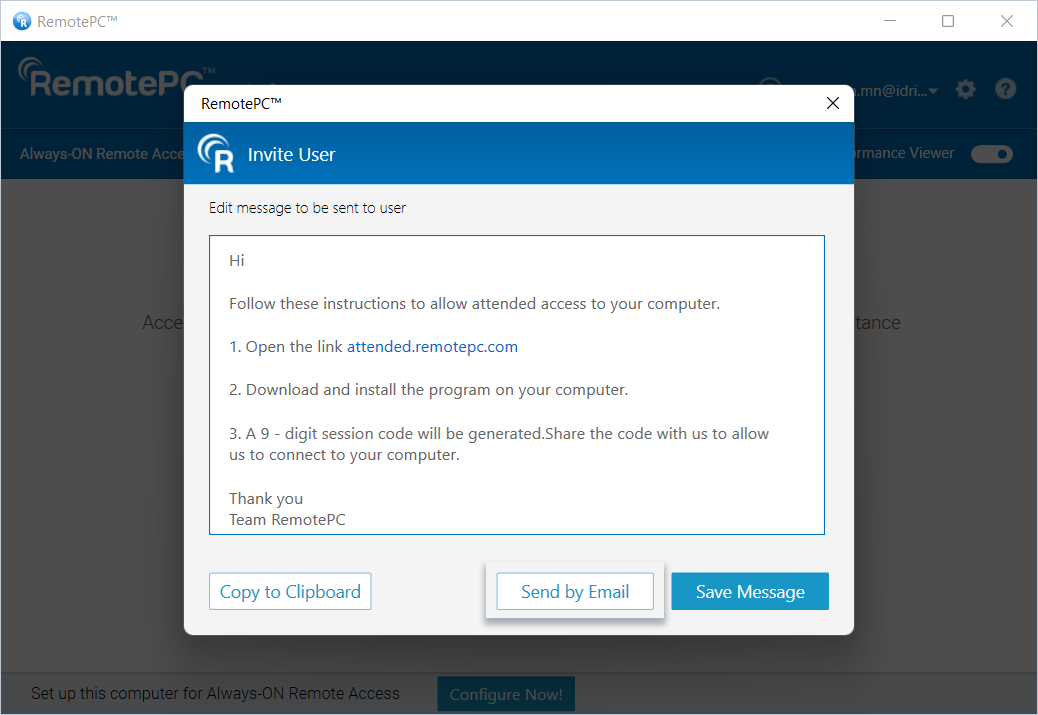
    Invite customer

    Invite customer from the RemotePC application or share the link attended.remotepc.com.

  • RemotePC

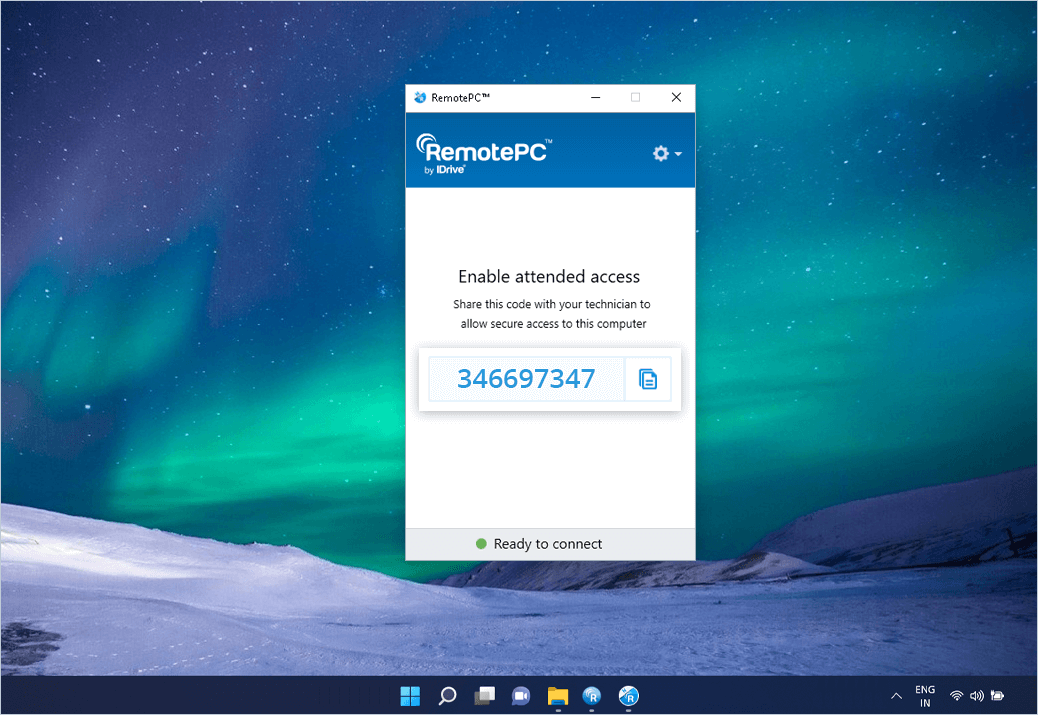
    Get session code

    Guide the customer to install the setup and get the unique code generated on the setup.

  • RemotePC

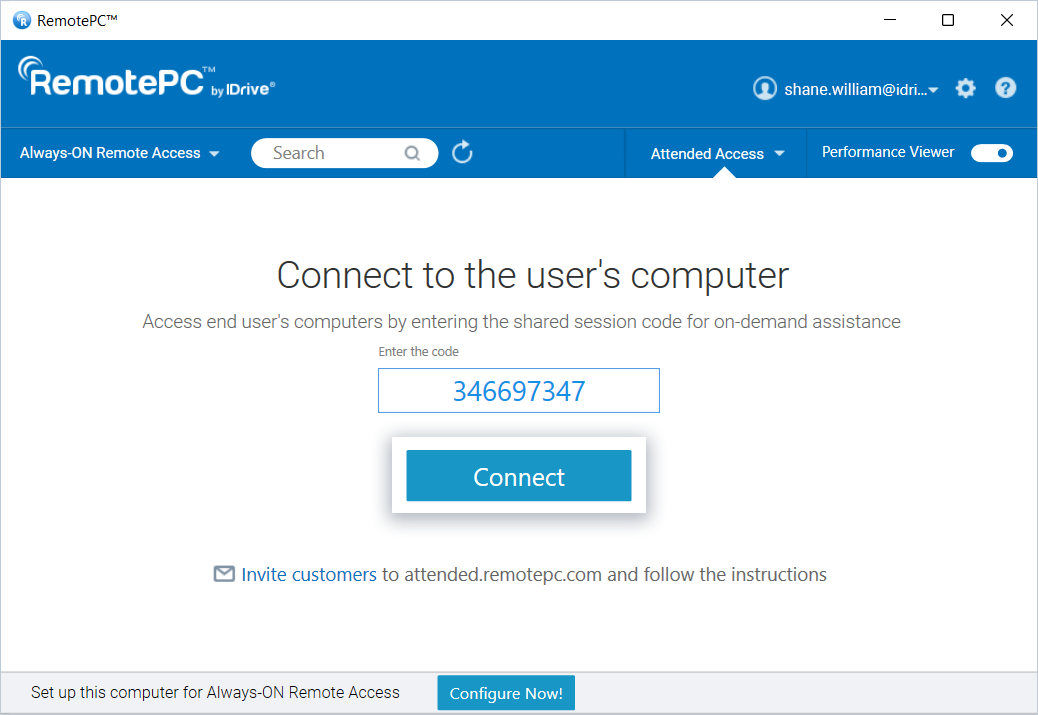
    Deliver remote support

    Enter the code in the RemotePC desktop or web application and establish connection.

RemotePC Attended solutions

Get RemotePC Attended and enable ad-hoc remote support!