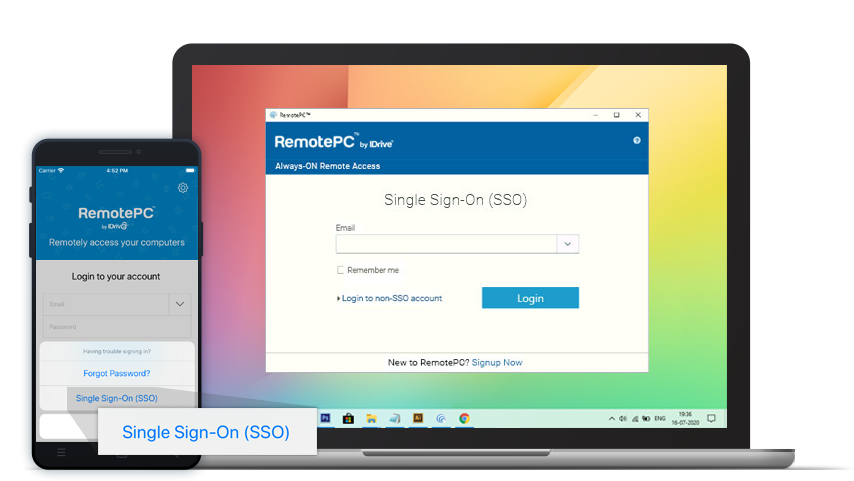
Accessing SSO-enabled accounts
Once SSO has been activated for a Team or Enterprise account, users will need to provide the email address of their SSO account when signing in. They will then be redirected to their IdP, which will handle authentication by asking them to sign in with their IdP credentials.
If the credentials provided by the user are correct and successfully validated by the IdP, the user will be redirected back to RemotePC as an authenticated user.
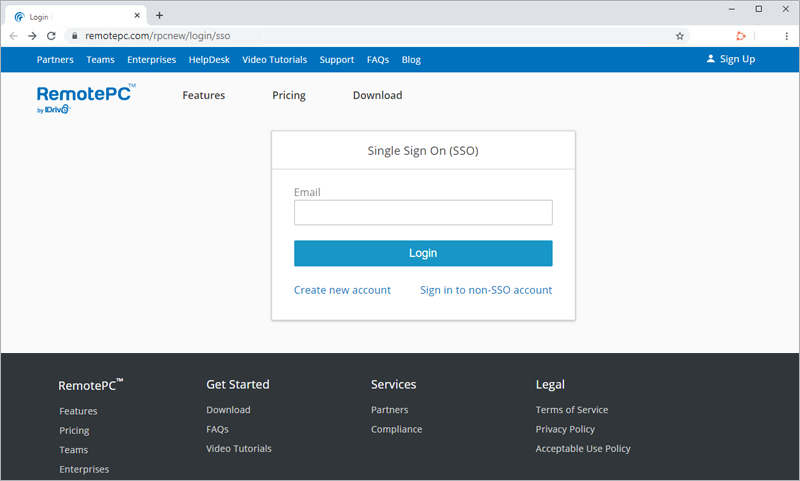
Log in via computers and mobile devices
Once SSO is enabled for an Enterprise account, users can access their account from anywhere by logging in via the web, mobile or desktop application.